
FiiO KA11 Review: The Best DAC and Amplifier for Quest 3?
The FiiO KA11 is the most powerful compact DAC and headphone amplifier I tested with Quest 3. It makes wired headphones much louder, but using it while charging requires an additional USB-C power/data splitter.
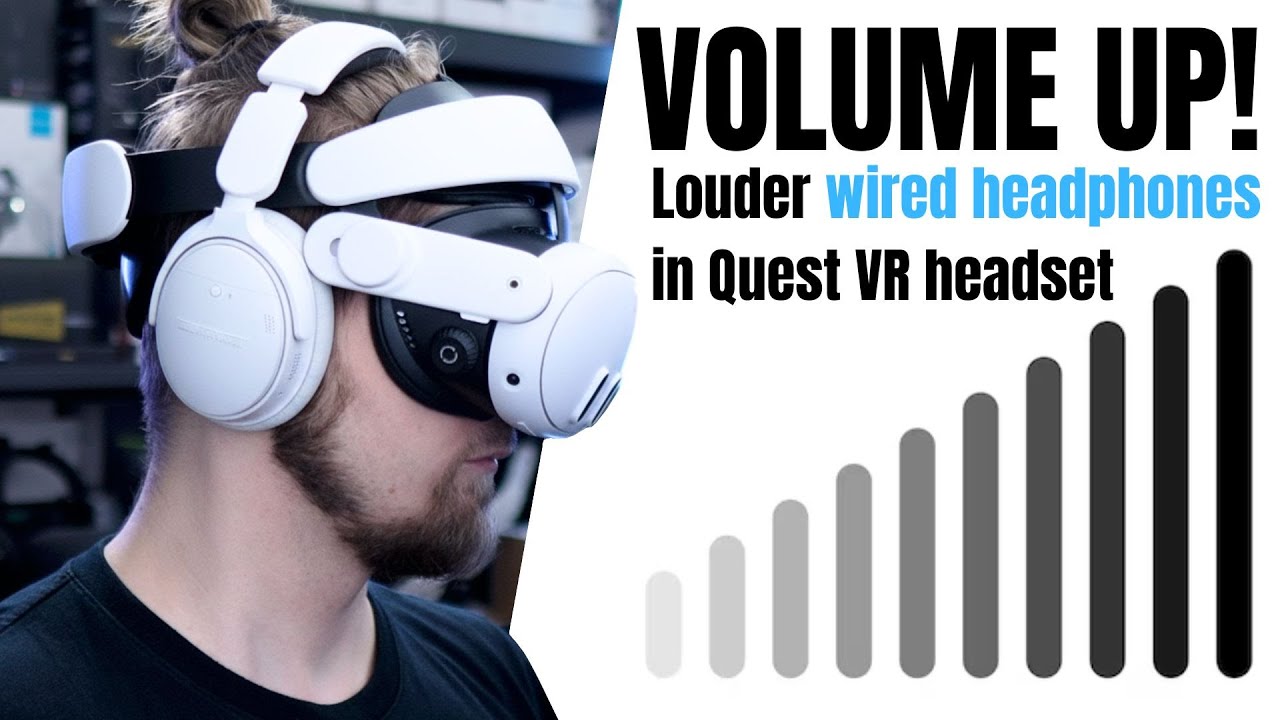
Want the full version? The video review includes all the demonstrations, comparisons and extra details that are easier to show than describe.
Watch the full review on YouTubeDisclosure: I bought the products discussed in this review myself. I use affiliate links always when they are available. If you buy through one of them, I may earn a commission at no extra cost to you.
Quick verdict
The FiiO KA11 USB-C is the best small DAC for Quest 3. It is much more powerful than the headset’s built-in headphone output and gives me several volume bars of headroom instead of forcing me to use maximum volume all the time.
That extra power matters with headphones that sound too quiet directly from Quest 3, especially when I use Quest as a mobile cinema and a film has quiet sound. An external DAC is also useful with headphones such as very popular Koss KSC75.
The compromise is the connection. The KA11 occupies the Quest’s USB-C port, so I need a small power/data adapter if I want to charge the headset while using it. That makes the setup less elegant than an integrated headphone port, but the FiiO is the clear choice when much louder sound is the priority.
Pros
- Much louder than Quest 3’s native headphone output
- More power and headroom than the other compact options
- Tiny and easy to carry
Cons
- Needs a separate USB-C splitter for charging at the same time
- More expensive than less powerful DACs
- Can trigger a capture-card prompt in Quest HDMI Link
Why Quest 3 headphones can be too quiet
When I connect for example HTC Vive Deluxe Audio directly to Quest 3, they are much quieter than the same headphones connected to HTC Vive or another high-end headset. For some headphones and some games that is not a serious problem, for others it is.
Quest 3S does not have the native headphone connection at all. A USB audio adapter can add a headphone port, but a cheap adapter is not automatically a good amplifier. Some adapters did not work at all, and one of the adapters I tested was even quieter than the Quest 3 built in output.
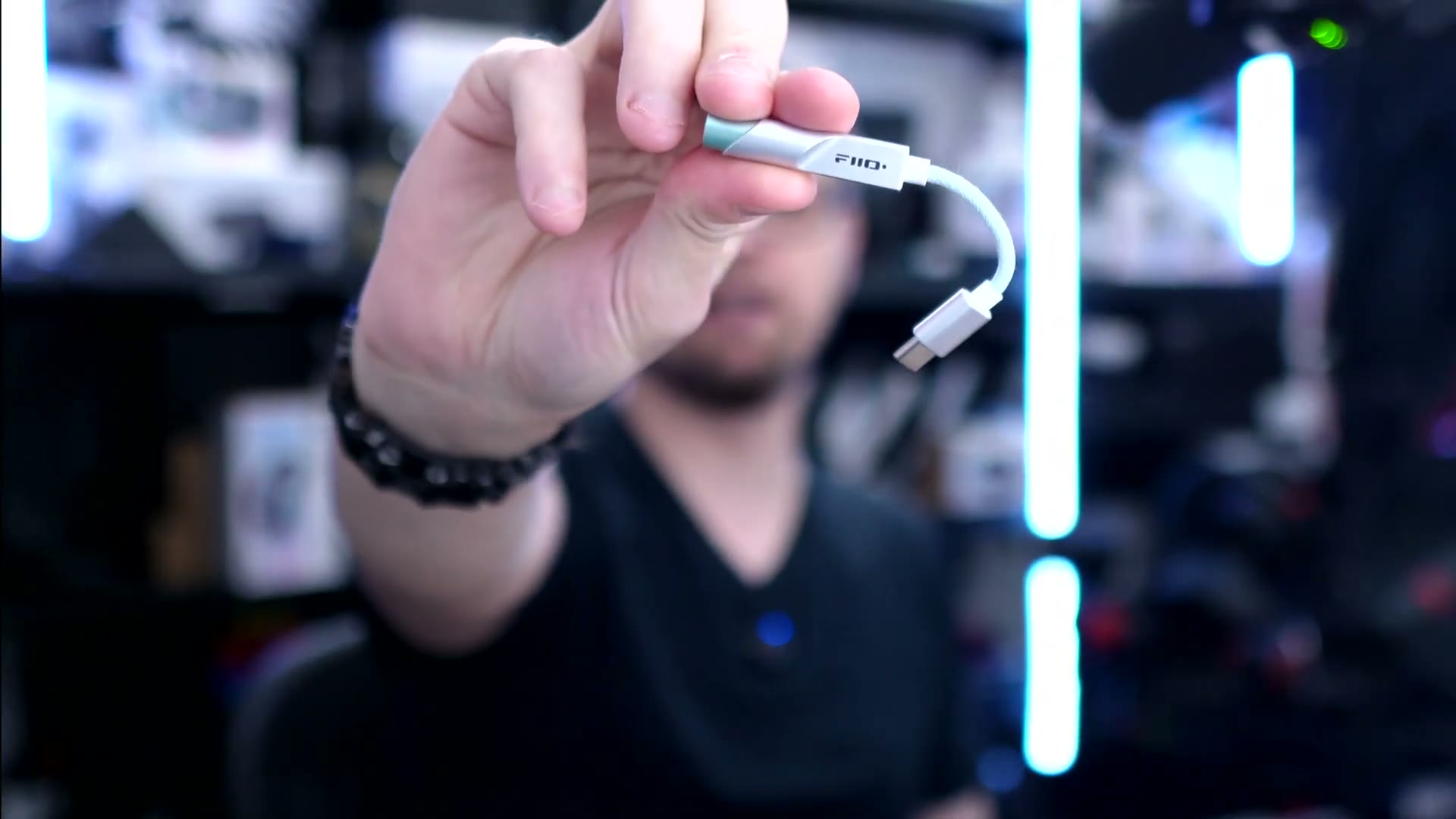 The FiiO KA11 USB-C DAC and amplifier used in the comparison.
FiiO KA11 output and sound level
With the FiiO, I never needed to use the Quest at full volume. I normally still had two, and sometimes three, volume bars left.
That headroom is useful because not every game or recording has the same level. Microsoft Flight Simulator needs more volume for me than many other games, and music-focused games can also benefit from having more available power. If a film or game was recorded quietly, I can increase the volume without already being at the limit.
I repeated my measurements after buying the FiiO because my earlier recording setup was not suitable for such a powerful device. The KA11 was so much louder than the other options that I had to record the samples again. The headphones (the same like in Deluxe Audio Strap) still sounded good at maximum volume in the test, so the extra output was useful rather than simply creating an unusable level.
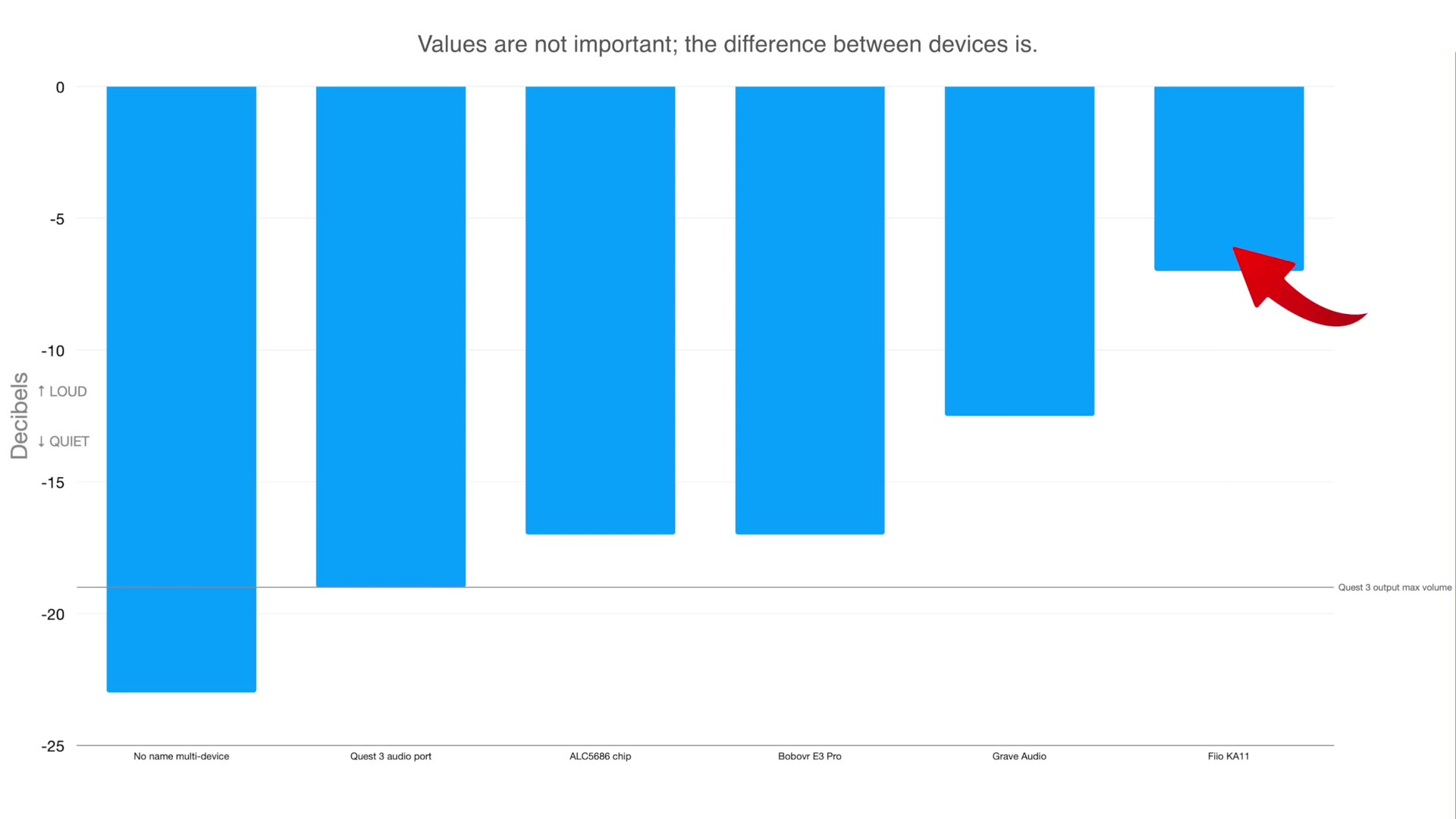 Relative output comparison from the video; the difference between the devices matters more than the chart’s absolute values.
The GraveAudio DA06 was already much louder than Quest 3 and may be enough for many people, but it was still close to full volume in my use. The FiiO was in a different class in this comparison.
Be careful when buying the FiiO. The version I tested is the TC / USB-C model, not the LT version. There are similar-looking products, so I would check the exact version before ordering.
Using it with Quest 3 while charging
The KA11 connects through USB-C, so it uses the Quest’s only port. If I want wired audio and charging at the same time, I need a small USB-C power/data splitter or hub with Power Delivery.
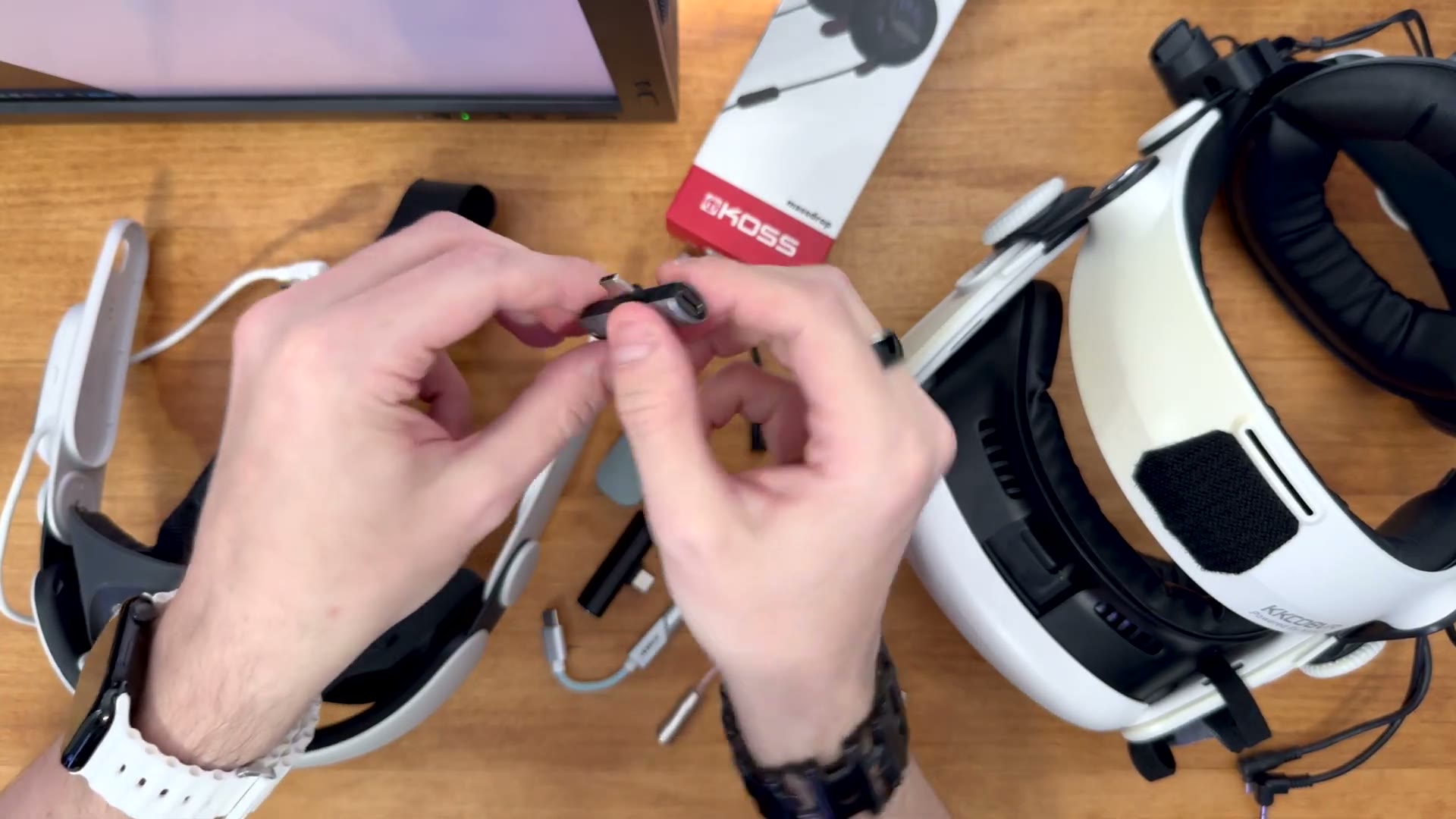 The USB-C splitter used to connect audio and power to the Quest at the same time.
The small hubs I used for this cost roughly $4–10 in the video. The finished setup is not pretty, so I secured the hub with Velcro. A 3D-printed mount would look better, but Velcro works and is easy to change.
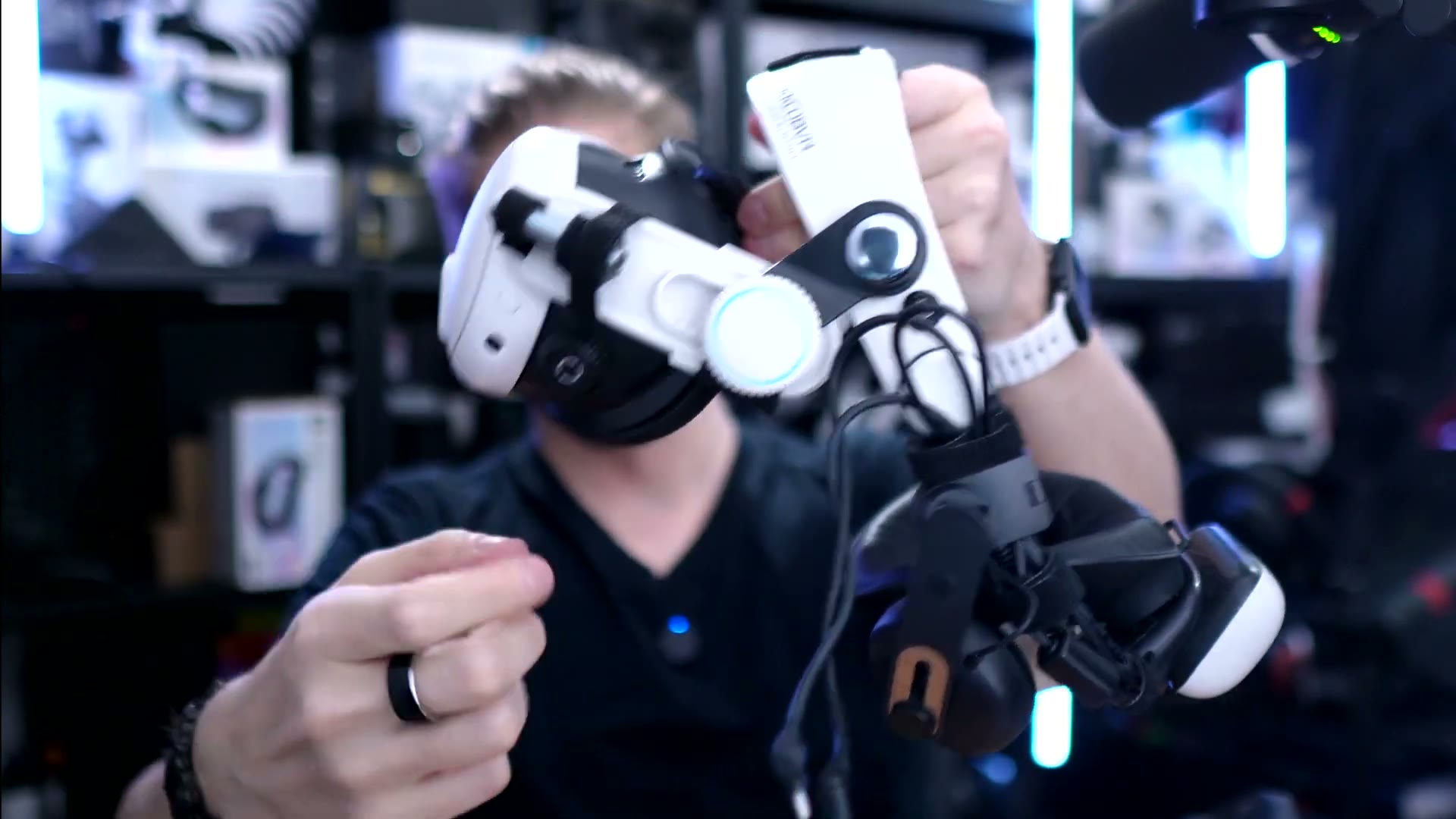 The FiiO and wired audio hardware connected to the Quest setup.
The connection order is important. I connect the data device (such as the DAC or headphones) first, then connect power afterward. If I connect power at the same time, the Quest can repeatedly connect and disconnect the battery until I unplug everything and reconnect it in the correct order.
The small USB hub also needs to be secured. If the audio connection comes loose, the power connection can come loose at the same time. I would rather have a slightly untidy but stable setup than lose both audio and charging during a VR session.
Other options compared
GraveAudio DA06
This is the budget option but it’s still much louder than Quest 3’s native output and costs far less than the FiiO. For some people, its output will be enough, especially if the goal is simply to add a headphone connection to Quest 3S.
The important limitation is that it is not close to the FiiO in sound power. I still used the Quest near full volume with it, so I would choose it only if the lower price matters more than having plenty of headroom. Also, buy the exact DA06 model from the linked offer because many adapters look similar but use different internal chips.
BOBOVR E3 Pro
This head strap has a headphone DAC built in. That is much cleaner than attaching a separate USB device, and it is particularly useful for Quest 3S users who need a headphone port.
On Quest 3, however, its output was almost the same as the headset’s native output. It is not a replacement for the FiiO or even GraveAudio DA06 if the main goal is to make demanding headphones louder.
Possible software and PCVR problems
Quest HDMI Link can recognize some USB audio devices as capture cards. If that happens, Quest shows a prompt asking whether I want to use the device with the app. I have to cancel it each time, or uninstall Quest HDMI Link if I do not use it.
A normal wired Quest Link connection to a PC is also not a good match for this setup because the USB-C port is already being used for the audio device and power splitter. It is possible to connect the DAC to the PC with a longer cable or a larger hub, but I would rather use Virtual Desktop for wireless PCVR. For most people using standalone Quest, these limitations will not matter. In fact you should ALWAYS use Virtual Desktop if you care about quality and performance. Quest Link is way behind VD.
Should you buy the FiiO KA11?
If your wired headphones are too quiet on Quest 3, yes. The FiiO KA11 is the most powerful compact option I tested, and it gives me enough headroom for quiet games, films and music without keeping the volume at maximum.
Choose the GraveAudio DA06 if you want to spend as little as possible and do not mind using the Quest on a full volume without a headroom. Choose the BOBOVR E3 Pro if you want an integrated headphone connection as part of an elite-style battery head strap, especially for Quest 3S. But if your priority is loud, powerful audio from demanding wired headphones, the FiiO is the one I recommend.
Just remember that you will also need a suitable USB-C power/data splitter if you want to charge the Quest while using it, and buy the TC / USB-C version, not LT.
Watch the full review on YouTube
Interested in FiiO KA11 USB-C?
These are the same affiliate links I use below my YouTube videos. They cost you nothing extra and help support the channel.