
BOBOVR S3 Pro Review: The Best Battery Halo Strap for Quest 3?
The BOBOVR S3 Pro combines a large battery, a forehead fan and a stable halo design that works especially well for mixed reality, but it is bulky to travel with and the fan is audible in quiet rooms.
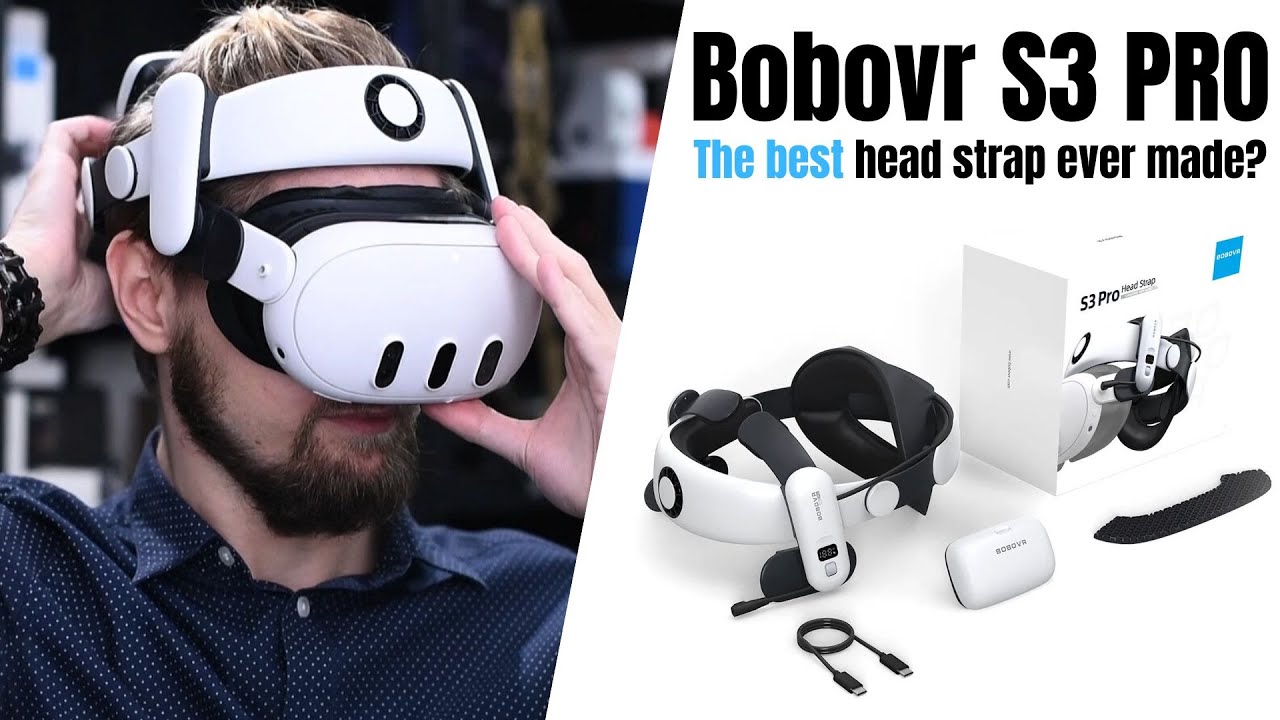
Want the full version? The video review includes all the demonstrations, comparisons and extra details that are easier to show than describe.
Watch the full review on YouTubeDisclosure: The review unit was bought by myself. I use affiliate links always when they are available. If you buy through one of them, I may earn a commission at no extra cost to you.
Quick verdict
The BOBOVR S3 Pro is the most complete battery halo strap I have used with Quest 3. Its biggest advantage is not just the rear battery or the fan on their own. It is the way the stable halo design, roughly 200-gram counterweight and forehead airflow work together.
In Thailand’s heat, I sweat noticeably less with the fan running. The difference is especially large without facial interface (for mixed reality) or with small facial interface, which doesn’t cover whole forehead.
It is not perfect. The fan is audible, the whole strap is larger than the older M3 Pro, and the cooling depends heavily on the facial interface leaving a path for the air. Those are real compromises, but they do not outweigh the comfort, balance and battery capacity for the way I use Quest.
Pros
- Great long-session comfort
- Integrated fan makes a major difference in hot rooms
- Very stable halo design
- 35.04 Wh battery measured 31.28 Wh (good efficiency)
- Accurate battery indicator
- Battery weight balances the Quest
- Recessed rear adjustment knob is better when leaning back
- Very good white colour and texture match with Quest 3
Cons
- Fan noise is obvious (and is not removed by AirPods ANC)
- Large facial interfaces can block most of the airflow and limit adjustment
- Larger and less convenient to pack than the Bobovr M3 Pro
- No automatic fan shutoff when the headset is removed
- The charging dock is a separate purchase if you want the fastest charging method or to charge three batteries together
What makes the S3 Pro different?
The main feature is the fan mounted above the forehead. BOBOVR calls it an air-conditioning system, but it is simply a fan: it moves air from the front of the strap across the forehead and, when the facial interface leaves enough space, toward more of the face.
The other unusual detail is the open front. There is no conventional top/front strap connecting the front of the headset to the rear cradle. The S3 Pro is rigid enough that I do not need one. With the facial interface removed, I can move around without the headset immediately falling away from my face. It still moves slightly with my head, but it is substantially more stable than the older M3 Pro in the same arrangement.
That makes the strap particularly useful for mixed reality. I can keep the headset without a facial interface and still have a stable headset, while the fan cools much more than just a small patch of forehead.
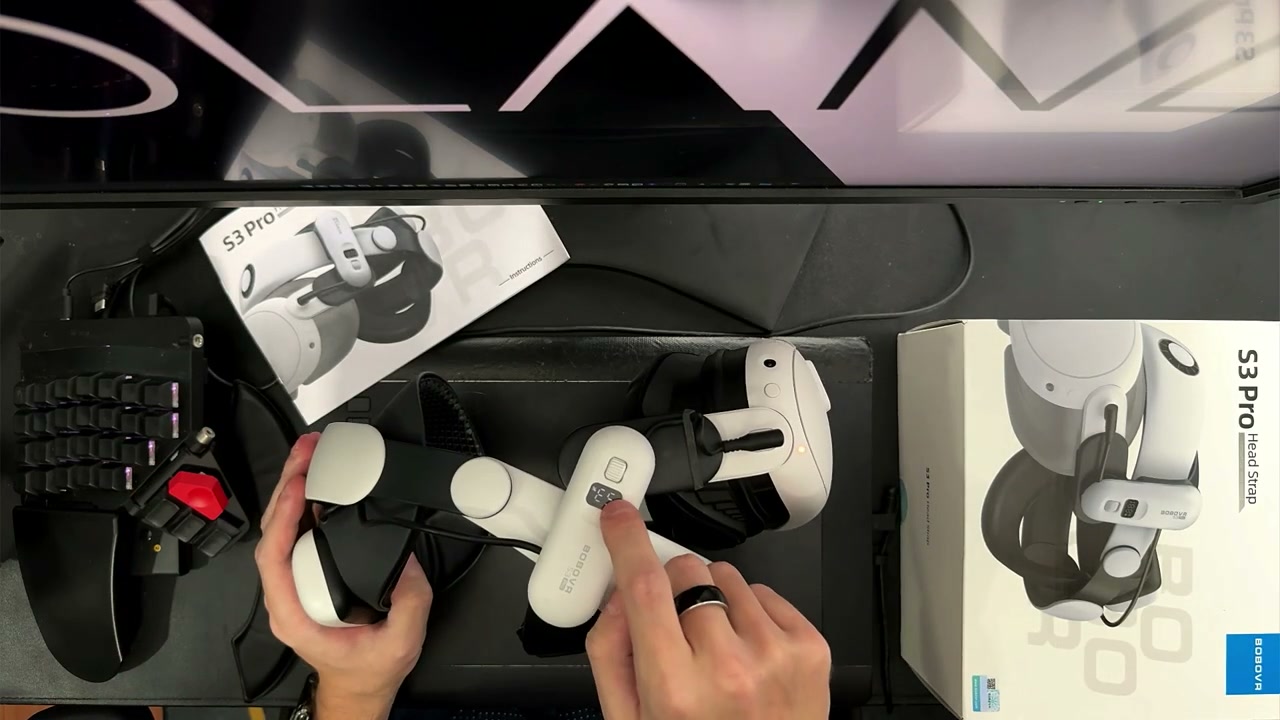 The S3 Pro, Quest headset and product packaging as shown in the video.
Comfort and fit
For me, the S3 Pro is more comfortable than the M3 Pro and more comfortable than the other head straps I had used at the time (since the video review I found out even more comfortable for me Kkcobvr Q3 Pro). That matters because I live in Thailand and often use Quest without air conditioning. At around 29–30 °C, the combination of the halo support and fan lets me play while sweating much less than with my other straps.
I have a small head (S size). I removed one of the rear cushions because I did not need it, and I preferred the alternative rubber padding included in the box. The padding and rear section give you some useful ways to adjust the contact points, although the best setting will depend on your hair, head size and the amount of pressure you like.
BOBOVR also moved the rear adjustment knob inward compared with the M3 Pro. That makes leaning back better, but I would not call the S3 Pro genuinely comfortable for lying down. I get a better result by placing the rear section higher so it rests on the headrest rather than directly behind my head.
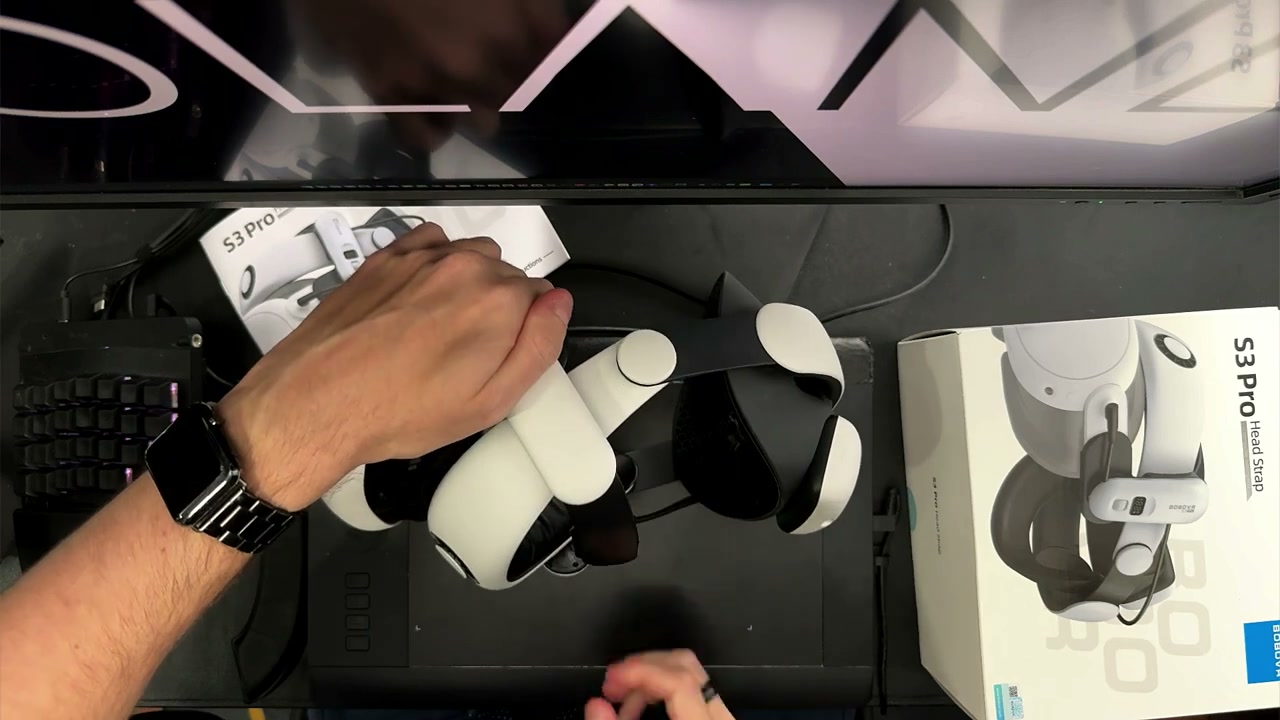 The rear padding and fit being adjusted during the video review.
Fan performance and noise
The fan control is integrated into the front module. Low settings are quiet enough for normal gameplay, but the sound rises as the speed increases. I can hear a clear change through the lower range, and around 50% it is already fairly loud. On my unit, the useful range stopped around 73%: increasing the control beyond that made the fan louder without producing a noticeable increase in airflow.
Game audio in headphones usually hides the noise. Quiet films and television are different. I tried AirPods Pro 2 with active noise cancellation, but their ANC did not remove the particular frequency of this fan. In a quiet room I would rather turn the fan down or use an external room fan.
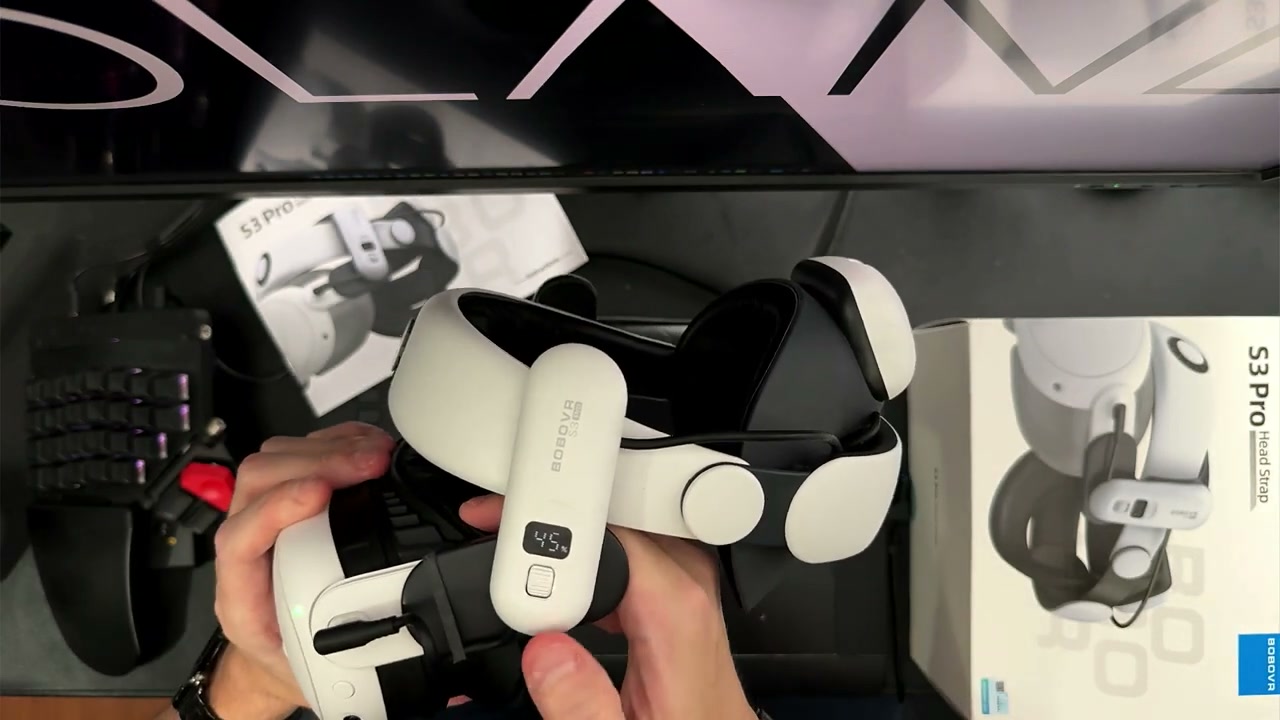 The front fan module and its display/control area during the review.
The cooling effect depends on what is between the fan and my face. With a large AMVR facial interface that covers most of the space between the Quest and halo strap, I felt very little airflow. It also restricted the angle at which I could comfortably position the headset.
With the default interface or a normal-sized interface from KIWI Design or Globular Cluster GCF3, the difference was much larger. Without a facial interface, the fan was most effective: I could feel air across the forehead and the rest of the face, and turning the fan off made the temperature change immediately obvious.
The fan did not make my eyes feel dry. I also tested whether blocking the facial-interface vents changed the airflow inside and did not notice a meaningful difference. Your result will depend on the interface, the gap above your face and the shape of your forehead, so I would not buy the S3 Pro expecting the same cooling with every facial interface.
Battery capacity and charging
The B100-style battery is rated at 35.04 Wh. Rather than relying only on the advertised number, I measured 31.28 Wh during discharge, which worked out to roughly 89% efficiency. That is a good result and better than the older model of BOBOVR battery I compared it with.
The battery indicator is unusually useful. It was very close to my measurements while the battery was fuller: a displayed 94% corresponded to 93.37% in my test, and the displayed 88% corresponded to about 86%. At lower levels the indicator became less precise. When it showed roughly 3–6%, the battery was already close to switching off, so I would not treat the final displayed percentage as a precise reserve.
Charging through the USB port is the slower option and took about 4h in my test. The magnetic connection used by the separate BOBOVR BD3 charging dock is much faster. The dock can charge three batteries together, which makes more sense if you have multiple headsets, multiple batteries or very long sessions. For most people, the standard USB charging port is adequate and the dock is an optional convenience rather than a requirement.
The battery is a power source for the Quest, but its USB port is input-only. I could not use it as a power bank for another device such as a Bluetooth adapter.
In my testing, the magnetic output reached about 22.4 W before the safety limit stopped it. The Quest does not always draw the maximum available power, but the battery has more than enough output for the headset. A Quest session that lasted about two hours on the internal battery reached almost five and a half hours with this battery in my test. Two batteries brought the estimate close to nine hours.
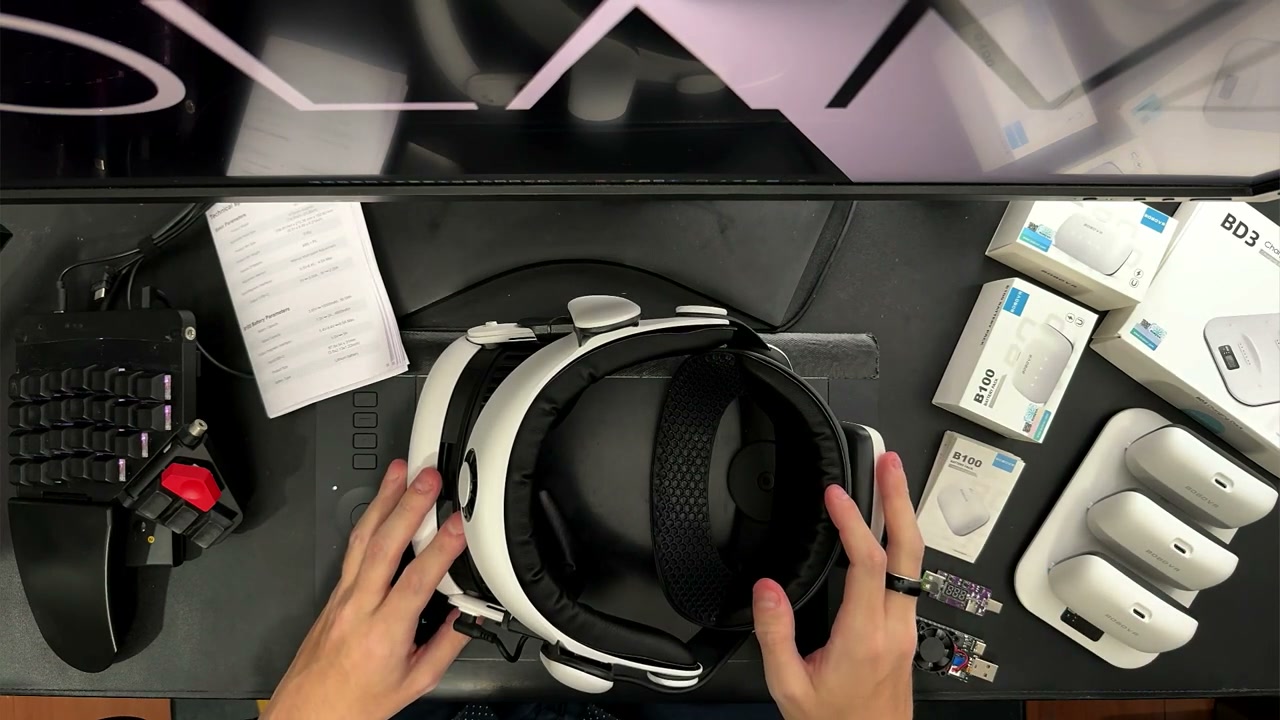 The S3 Pro battery and related BOBOVR charging hardware shown during testing.
Weight and balance
The battery itself measured 186 g. That is heavier than the 141 g battery from the M3 Pro, but it is close to a small power bank that I already consider a useful counterweight. For me, the result is a well-balanced headset: I do not feel the Quest pulling forward, and I do not feel that the rear battery is excessively heavy.
The balance is more important than the battery number on a scale. The S3 Pro feels substantial in my hands, but once it is on my head the weight is distributed in a way that suits me. A smaller or larger head may produce a different result, especially if the rear pad does not sit in the right place.
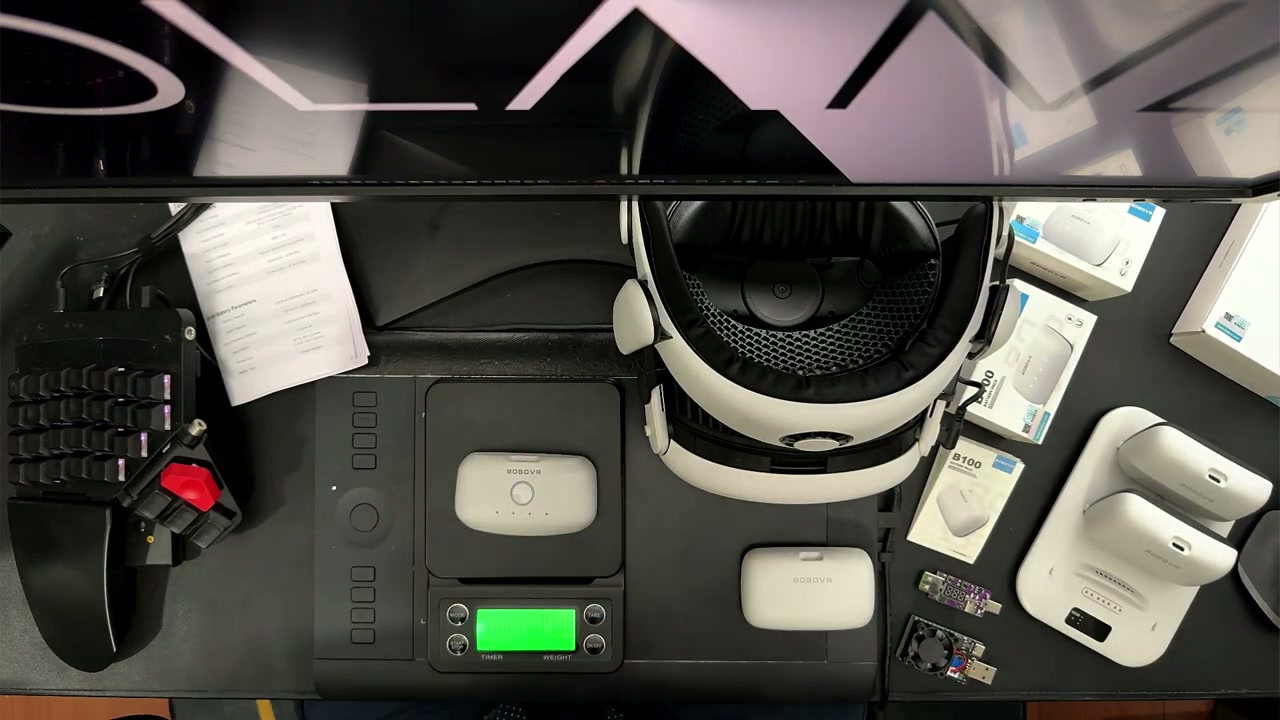 The S3 Pro battery being weighed during the video test.
Size, colour and travel
The larger rear section is one of the reasons the S3 Pro suits bigger heads better than the M3 Pro. On my small head, it did not create a problem, but it does make the strap noticeably less compact.
The M3 Pro was easier to pack because the headset could fit into a smaller arrangement with the controllers and battery. The S3 Pro cannot fold into the same compact shape. I can still make it smaller and put it into a sling, but the top/rear parts need to be positioned carefully and the result takes more space.
The colour match with Quest 3 is excellent. The white plastic and texture look much closer to Meta’s headset than the straps I had compared it with. Even the battery looks like it belongs with the Quest rather than being an obviously different accessory.
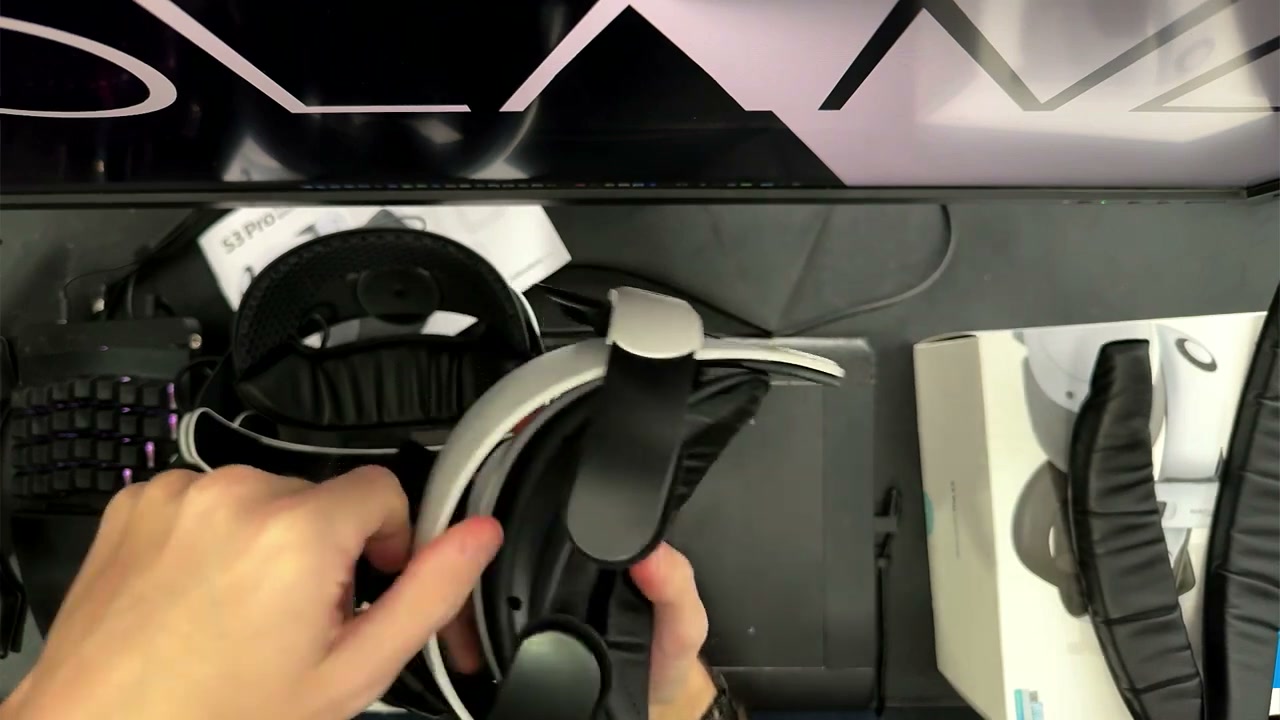 The S3 Pro’s larger rear section shown during the size and travel comparison.
Should you buy it?
Buy the BOBOVR S3 Pro if you want a comfortable battery strap, often play in a warm room, use mixed reality, or want a stable halo design that works well without a front strap. The fan is genuinely useful when the facial interface leaves an open path, and the battery is the best part of the system: large, powerful, and well balanced.
Think twice if you mainly play in quiet rooms, always use a large facial interface like AMVR FC2, or need the smallest possible travel setup. The fan is audible, the larger interface can block most of its benefit, and the S3 Pro takes more space than other head straps.
For my use, the positives are much more important. The comfort is excellent, the battery is in a different class from older head-strap batteries, and the open-front design makes mixed reality far more pleasant. It is expensive, but I still think it is worth the money because the combination of cooling, balance and capacity is difficult to replace with one cheaper strap.
Watch the full BOBOVR S3 Pro video review on YouTube
Interested in BOBOVR S3 Pro?
These are the same affiliate links I use below my YouTube videos. They cost you nothing extra and help support the channel.