
BOBOVR F3 Review: Good Value, Disappointing Airflow
The BOBOVR F3 has two pads, good glasses adjustment and a clever open mode, but its airflow channels did not stop me sweating.
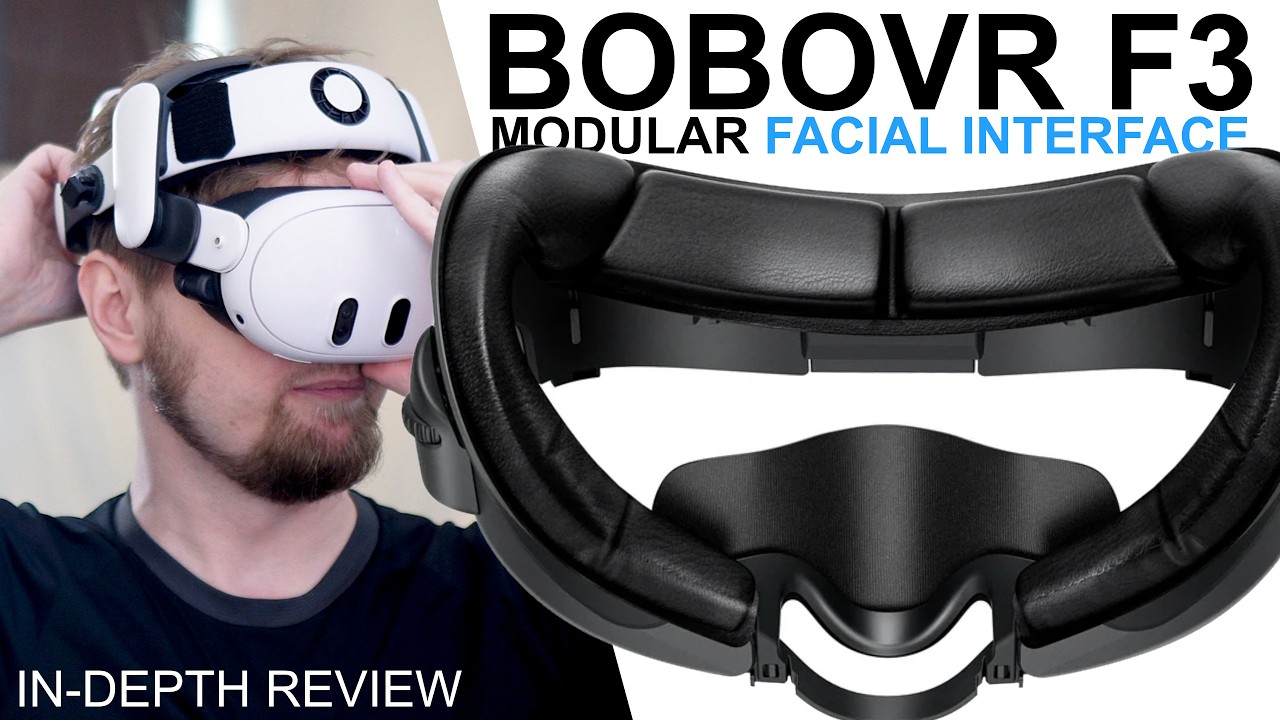
Want the full version? The video review includes all the demonstrations, comparisons and extra details that are easier to show than describe.
Watch the full review on YouTubeDisclosure: The review unit was sent to me for free by Bobovr. I use affiliate links always when they are available. If you buy through one of them, I may earn a commission at no extra cost to you.
Quick verdict
At $30, the BOBOVR F3 is a good-value facial interface. It comes with two PU-leather pads, has an easy adjustment for glasses, works well with elite and halo head straps and can be converted into a semi-open interface by removing the entire face-side section.
Just do not buy it for the headline cooling feature. The channels in the pad move a little air in ideal conditions, but I still sweat as much as I do with a normal facial interface. If cooling is the priority, the KKCOBVR K3, Globular Cluster F3-S and AMVR FC4A worked better for me.
Pros
- Two PU-leather pads are included: one with airflow channels and one without
- Smooth side knobs provide up to 10 mm of extra eye relief
- Compatible with halo and elite-style head straps
- Face-side section can be easy removed for a semi-open setup
- Flexible inner frame adapts slightly to the face
- Works with BOBOVR’s charging dock once seated correctly
- Good overall value at the review-date price
Cons
- Cooling channels made very little practical difference
- Airflow gets worse when the pad is compressed for maximum field of view
- Large fabric nose cover pressed on my nose and touched my lower eyelashes
- Nose cover did not seal consistently from one use to the next
- Maximum glasses adjustment exposes noticeable light leaks
- Charging dock installation is not intuitive
The unusual pad and nose cover
BOBOVR includes two 15 mm PU-leather pads. One has channels cut into it so the fan on an S3 Pro can move air from the forehead area toward the face. The other is a normal pad without those channels. The pad is firmer than from other brands, probably because it needs to keep the air channels from collapsing.
The nose cover is very unusual. It is enormous and mounted with Velcro I could move it lower or fold it. In the original position it touched my lower eyelashes. Moving it down fixed that part, but the stretchy fabric still pushed on my nose all the time. Folding it was even worse.
 The F3 facial interface has a flexible inner frame and a broad PU-leather contact area.
I eventually removed it completely for long sessions. That left a large light leak whenever I looked down, but it was the only comfortable way for me to use the F3 for many hours. Because the cover is soft fabric rather than silicone, it also changed shape whenever I put the headset on. Sometimes it blocked the light perfectly; sometimes it did not.
How much air actually reaches the face?
The channels work only when everything lines up. My best result came with the headset not close to eyes and the BOBOVR S3 Pro halo sitting low, which puts the interface close to the fan without compressing the pad. I could feel some air in that position.
It was still nowhere near the airflow from the KKCOBVR K3, which has a fan built directly into its facial interface. The very open Globular Cluster F3-S was also much stronger with the same S3 Pro head strap. AMVR’s FC4A leaves a much larger opening above the face and moved substantially more air too.
My normal priority is maximum field of view, so I push the interface closer. That compresses the 15 mm pad and makes the channels even smaller. I also pointed a separate 140 mm fan at my forehead to see whether more incoming air would help. With the interface pushed in, it did not make a meaningful difference compared to other facial interfaces.
In normal use I still sweated as usual. The channels may be more useful for preventing fogging, but fogging is not normally a problem for me on Quest 3. Even when I tested after getting hot from exercise, the F3 was not clearly better than a standard interface. For my use, the cooling feature is closer to a gimmick than a real solution.
Glasses adjustment and light leaks
The side knobs are one of my favorite parts. They move smoothly rather than clicking through a few fixed positions. At maximum extension, the lenses sit 10 mm farther from the eyes, which should be enough for most glasses and is competitive with other adjustable interfaces.
 The F3 sits between the Quest and the head strap, with the spacing adjustment at the sides.
There is a trade-off. At full extension, I could see light through openings at the top and bottom. Some side openings are covered by the headset itself, but the others remain visible. I only need a partial adjustment for my prescription-lens inserts, and at roughly half extension the leaks were not a major problem.
Comfort and fit
The F3 was comfortable when I found the one angle that suited my face. The inner section is made from a flexible, rubber-like material rather than rigid plastic, so it can adapt a little.
However, pushing it close for maximum field of view increased pressure and made it less comfortable on my face than several alternatives. AMVR FC4A gave me more freedom to change the angle and position while remaining comfortable. Fit will always depend on face shape, but on my face AMVR worked better.
Using it as an open interface
The entire face-side section detaches from the base. I could then install only the remaining plastic shell, without the pad, and use it as a semi-open facial interface.
It does not create the pitch-black seal of the Globular Cluster light blocker. I could still see the room in several places. It does block considerably more light than using Quest with no interface, though, and it keeps the hard headset edges away from the face.
I would not choose this configuration for mixed reality, where I want to see as much of the real world as possible, or for a dark VR game where I want complete isolation. It may suit people who like an open feeling but still want some light control.
Charging-dock compatibility
The F3 works with my BOBOVR BD3 charging dock, but I cannot simply place the headset on it. I need to push the headset down until I hear a click. Only then does charging start.
I actually like the confirmation once I know how it works, because the click tells me the contacts are secure. The problem is that it is not intuitive. I have helped several people who thought their dock or interface was faulty; pushing it down solved the problem.
Should you buy it?
Buy the BOBOVR F3 if you prefer PU leather, need good glasses adjustment, or like the removable semi-open configuration. Two pads and the adjustable frame make $30 a fair price.
Do not buy it because you expect the S3 Pro fan to keep your face cool during fitness. It did not reduce my sweating, and several alternatives moved much more air. Between this and AMVR FC4A, I would decide first by material and fit: choose BOBOVR if you prefer PU leather, while AMVR was more comfortable and better ventilated on my face.
Watch my original BOBOVR F3 video review
Interested in BOBOVR F3?
These are the same affiliate links I use below my YouTube videos. They cost you nothing extra and help support the channel.